

Creating connection
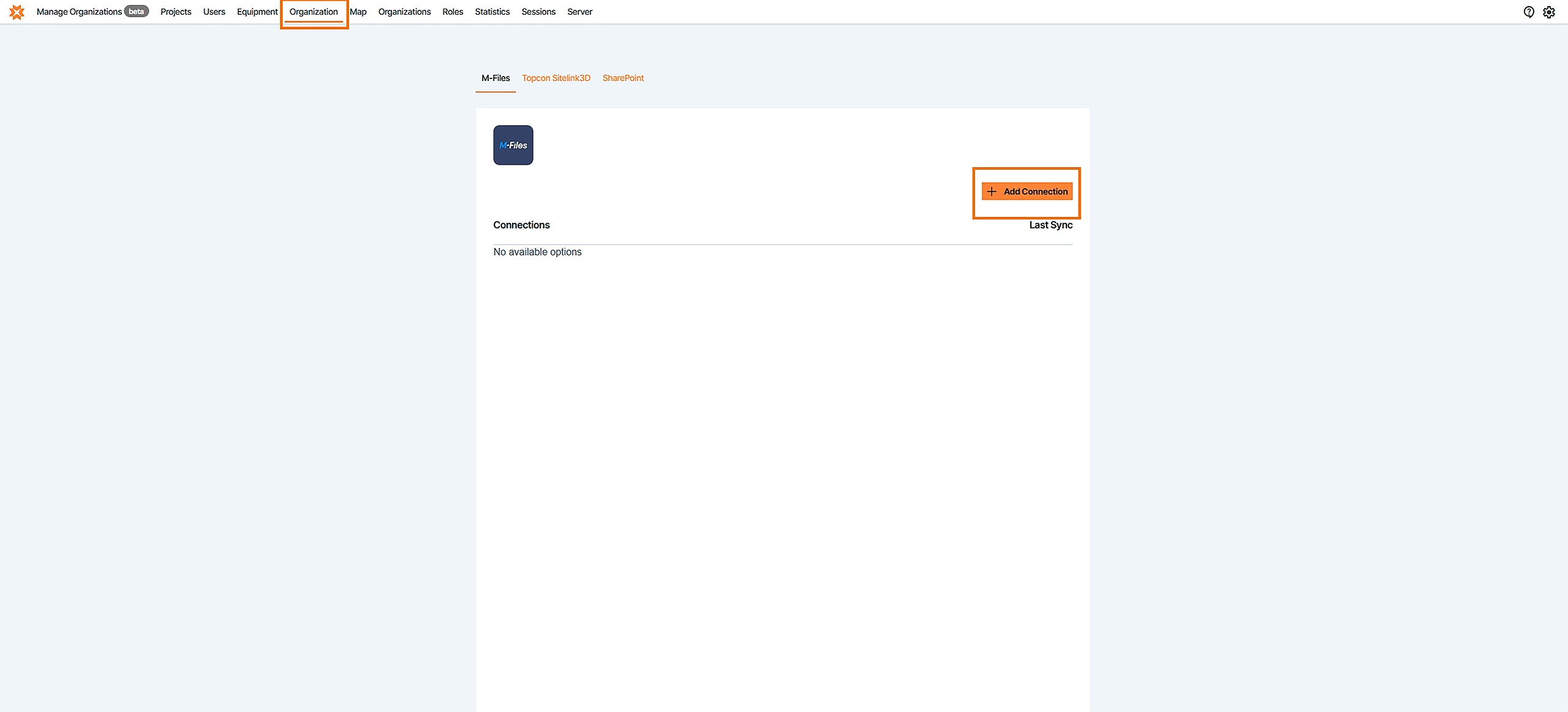
1. With Project admin rights or higher, navigate to your Infrakit admin pages. Select "Organization" and the Add Connection
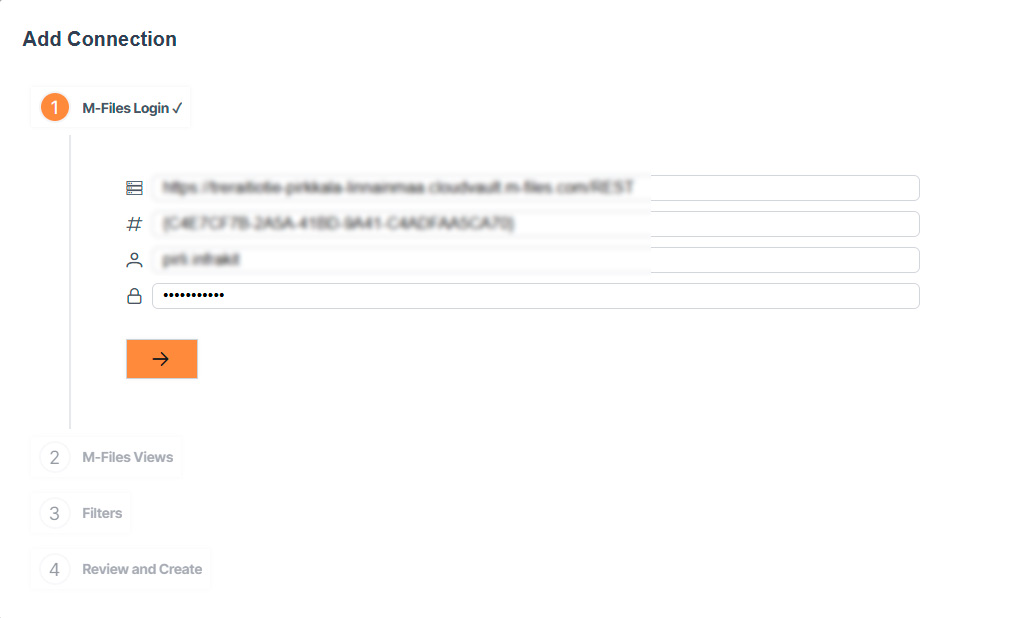
2. Start creating the connection
Add M-Files URL
Add Vault GUID
Add username
Add Password
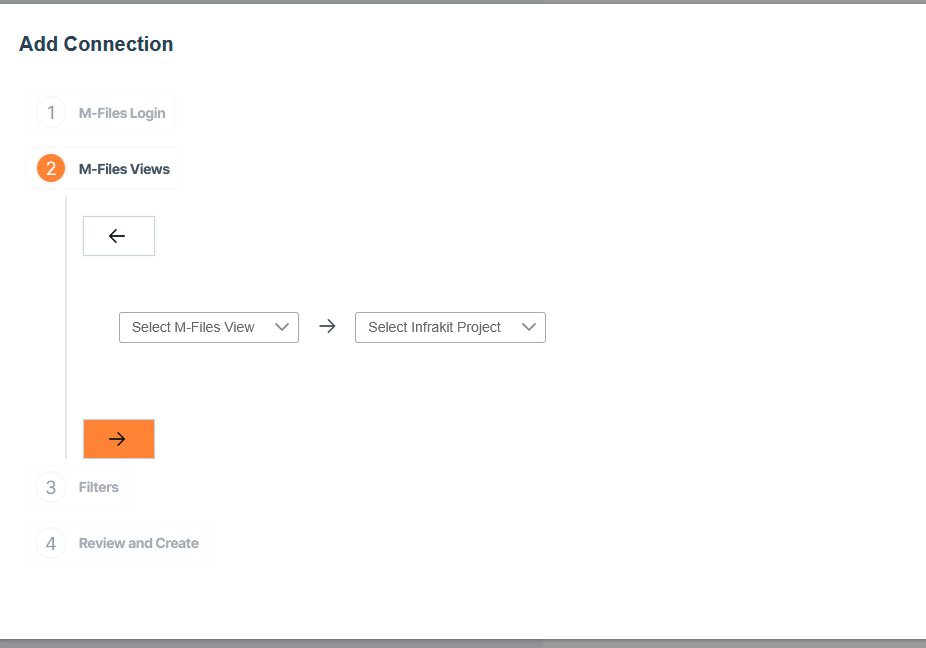
3. M-Files views
Select your M-Files view
Select Infrakit project where you want M-Files integration
4. Filters
Add filter by clicking that plus button
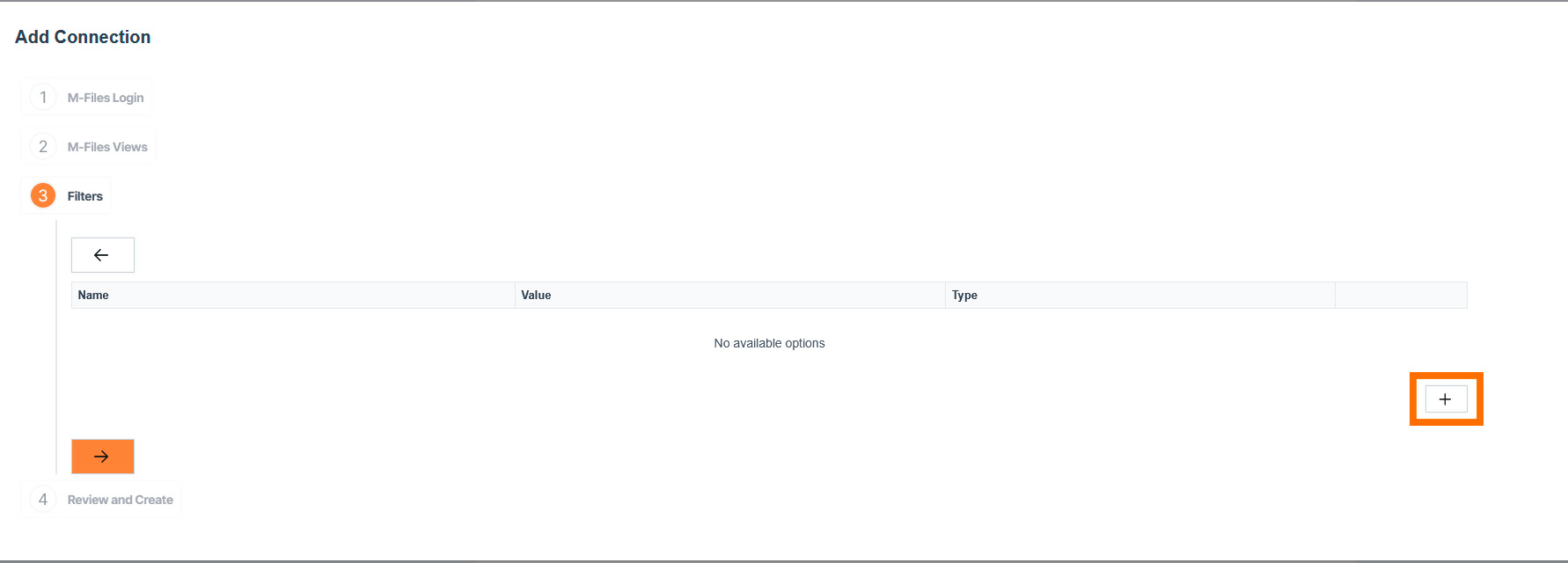
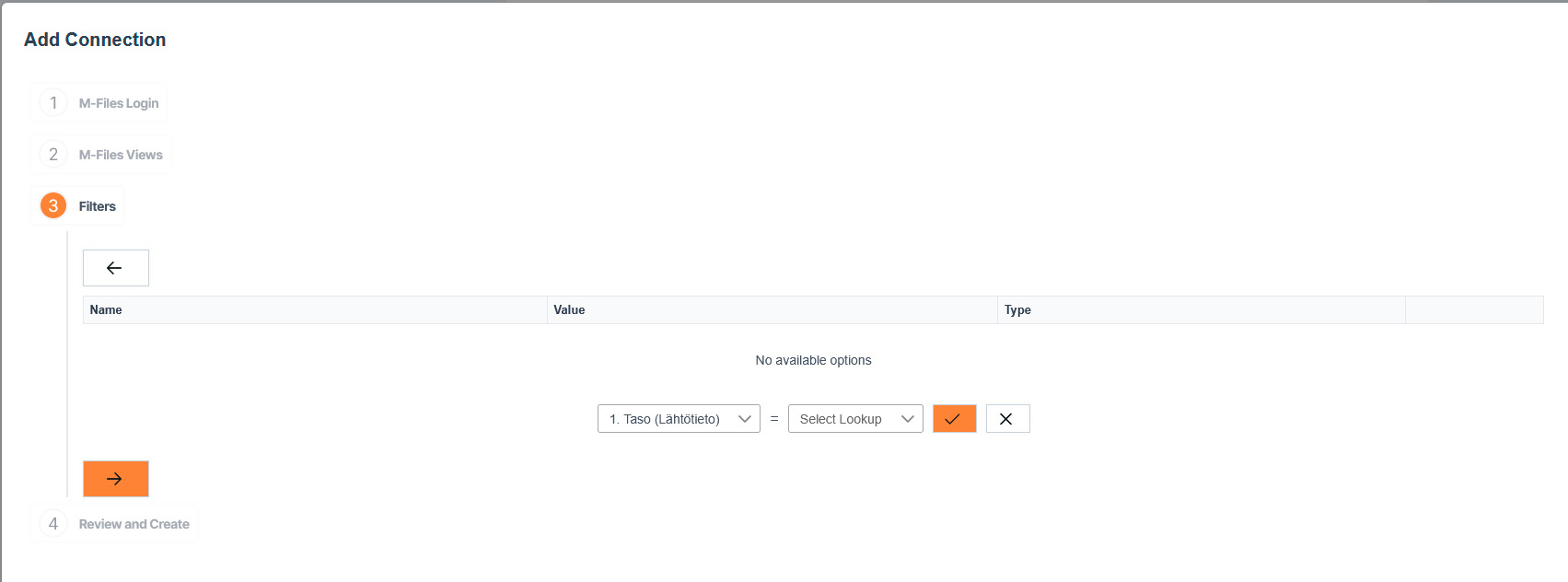
Select Filter type from dropdown list
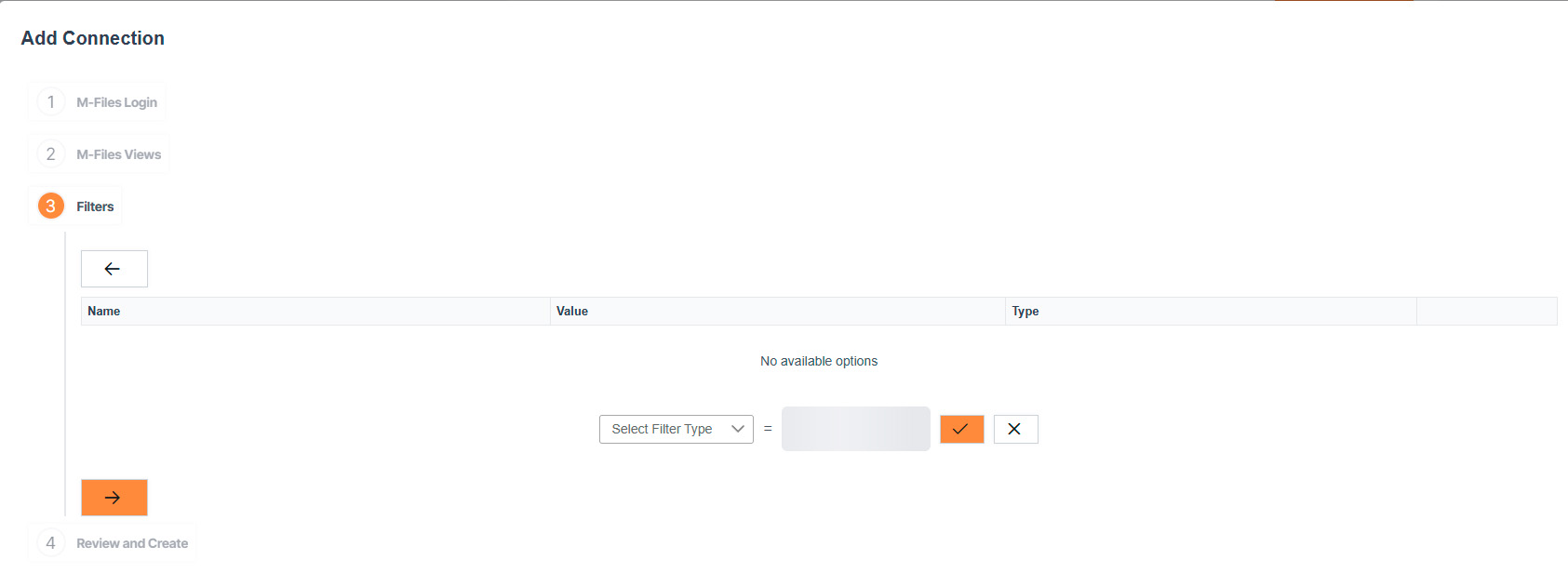
After filter type is selected, opens option to select Lookup from dropdown list
5. Review and Create
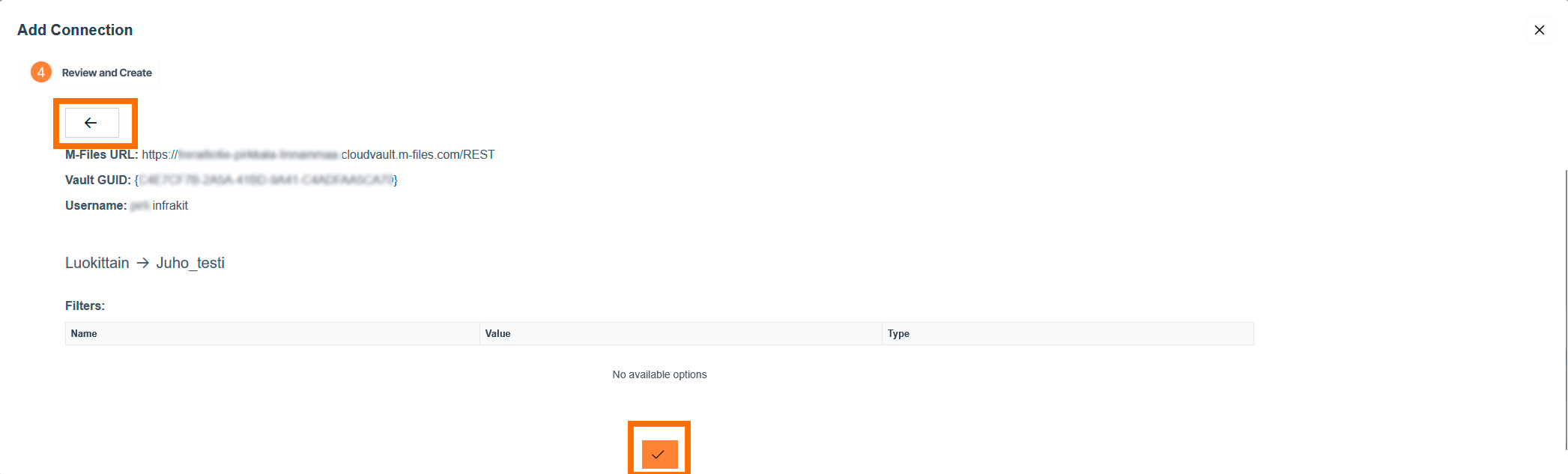
Here you can check that everything is correct and if so you can click that bottom check-mark and create connection.
If you need to correct something click those left pointing arrows
6. FAQ